

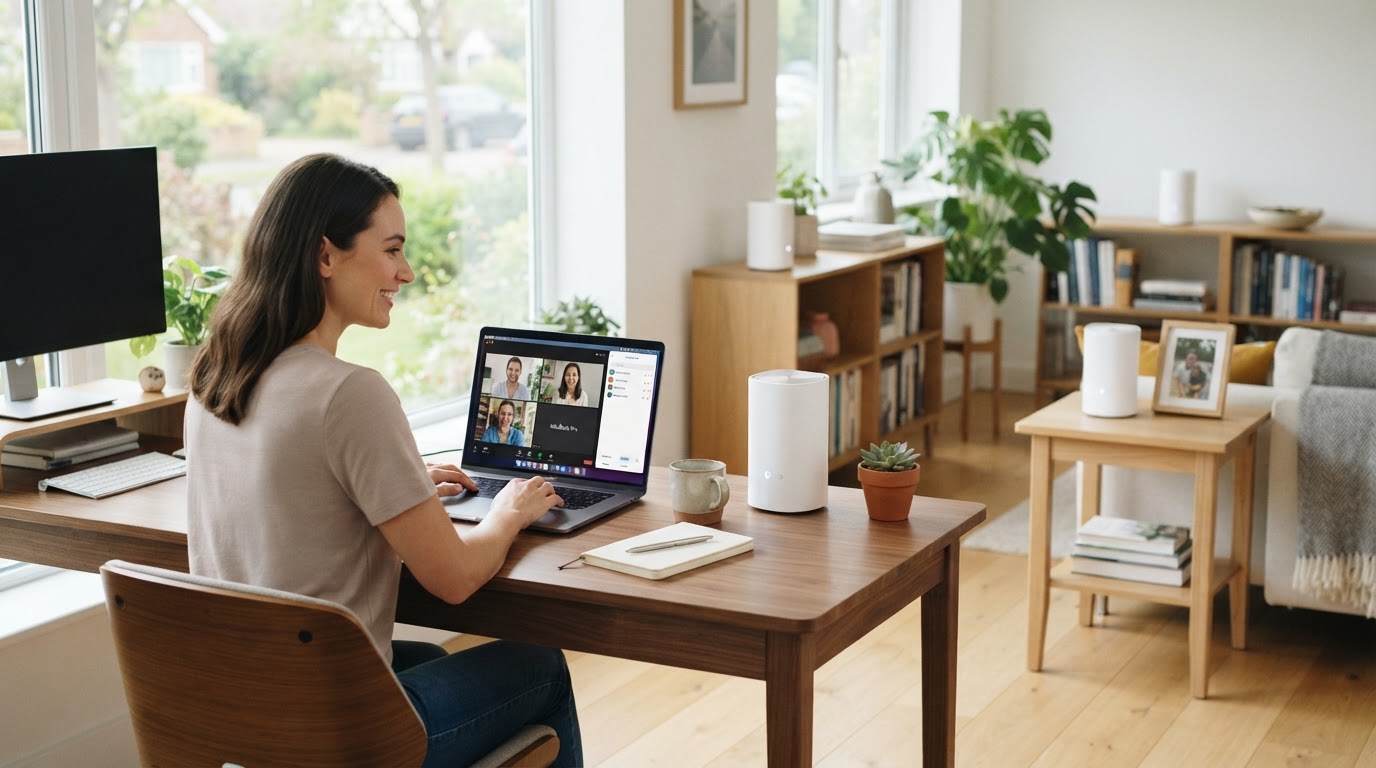
The "new normal" for many of us now includes working from home, and on paper it sounds ideal. Your own space. No commute. More flexibility.
But when your connectivity lets you down, the reality quickly becomes frustrating.
Calls drop. Video freezes. Dogs bark. You move rooms trying to find a better signal. Productivity dips. And the overall experience becomes less than optimal.
Reliable Home Connectivity Matters More Than Ever
If you're:
- Client-facing
- On regular video calls (Teams or Zoom)
- Running a business from home
- Or even presenting at board level
…then your connection needs to be solid, stable, and seamless, wherever you are in your home. Not just "good enough in one room".
The Reality for One Client
We were recently contacted by a client we'd worked with in another capacity. On the surface, everything looked great:
- A beautiful home setup
- A purpose-built office and gym outbuilding
- Plenty of space to work properly
But in reality, they'd resigned themselves to working from the kitchen table. Why? Because the Wi-Fi in the office simply wasn't reliable enough.
The Challenges
- Inconsistent Wi-Fi to the outbuilding
- Multiple network names causing devices to drop connection when moving around
- An unstable setup using powerline adapters
- A poor experience on Teams and Zoom calls
And on top of that, the beautiful kitchen and conservatory area could get too hot in the sun, and with doors and windows open there was background noise from outside. So even the "backup workspace" wasn't ideal.
The Fix (And It Wasn't Overcomplicated)
After reviewing the setup, the issue was clear: the existing system wasn't built for the demands of modern home working. We stripped things back and rebuilt it properly using a Wi-Fi 6 mesh network.
What we changed:
- Removed the unreliable powerline setup
- Installed three strategically placed mesh access points
- Created a single unified network name across the whole property
- Enabled seamless roaming between rooms and buildings
The Result
- Strong, stable Wi-Fi across the entire home
- A fully usable office space again
- Reliable video calls with no dropouts
- No more switching between networks
- A much smoother, frustration-free experience
In short, the space they wanted to work in became the space they could work in.
A Simple Shift That Makes a Big Difference
This wasn't about throwing loads of tech at the problem. It was about understanding how the space is used, identifying the weak points, and putting the right structure in place. Often, with a relatively small hardware investment and a couple of hours of planning and implementing, the difference is huge.
Could This Be You?
If video conferencing is now a big part of your work, or you rely on cloud services, systems, or collaboration tools, then your home setup needs to support that properly. Not just "sort of works".
Let's Make It Work Properly
If your home Wi-Fi is patchy, frustrating, or holding you back, we can help. No jargon. No overcomplication. Just a simple review and practical improvements that make a real difference.
Get in touch for a chat, because working from home should feel easy, not like a daily battle with your Wi-Fi.