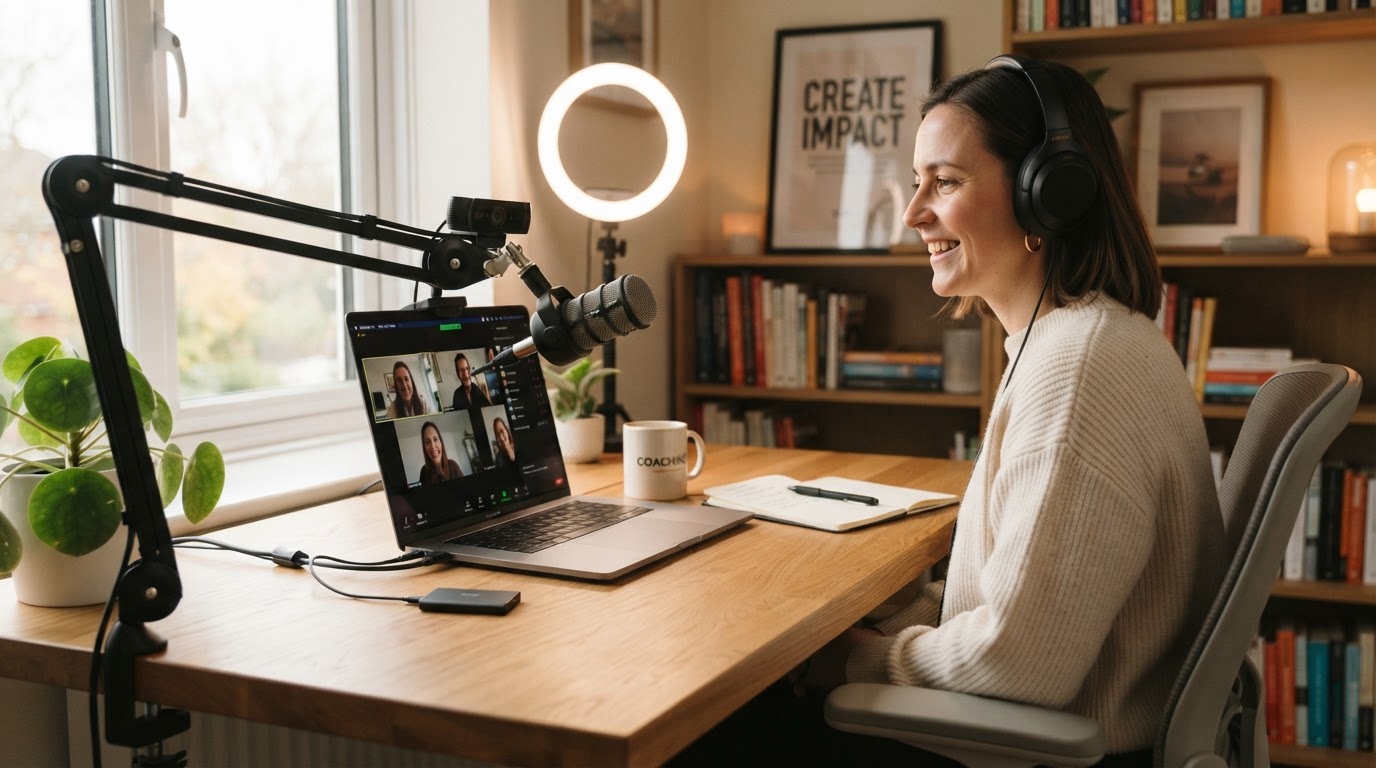
It's one of the questions we get asked most often. And honestly, there's no single right answer. That's not dodging the question. It's just the truth.
The ideal Zoom setup depends on a surprising number of things, and what works brilliantly for one person can cause real headaches for another, even with identical equipment.
What Affects Your Setup?
Your device and operating system
Whether you're on Windows, Mac, iOS, Android, or Chrome OS makes a real difference. So does whether you're running the desktop app or using the browser version.
Your audio equipment
Headphones, earbuds, an external speaker, a webcam mic, your laptop's built-in mic, or an external headset or microphone all behave differently in Zoom, and each one has its own quirks.
Your screen setup
Working from a single screen or using one or more external monitors changes how you manage windows, what you share, and how you stay in control while presenting.
Your device type
Running Zoom on an iPad or Android tablet rather than a laptop or desktop changes things quite a bit. In some ways it simplifies your setup. In others, it introduces a whole new set of limitations, particularly around screen sharing and external audio.
The content you're sharing
Sharing a presentation is a completely different challenge to playing audio, running a training session, or demonstrating software live on screen.
The Thing That Surprises Most People
Most audio glitches, screen sharing problems, and choppy video issues aren't necessarily caused by bad equipment. They're often caused by settings. The wrong configuration, a ticked box that shouldn't be ticked, or a default option that Zoom chose for you.
And that can almost always be fixed.
What About Background Music?
This comes up more than you might expect, especially for coaches, trainers, and therapists who want to create a particular atmosphere during their sessions.
A lot of people enjoy having music playing quietly while participants are joining, during a short break, or simply to set the tone before things get started. It's a small touch, but it makes a real difference to the experience you're creating.
For others, sound is an active part of the session itself, helping clients go deeper.
The challenge is controlling it all smoothly in the moment.
Without a dedicated audio solution, every time you need to tweak the volume you may have to switch back to your music app, adjust it, and then switch back to Zoom. During a live session, that kind of interruption is the last thing you want.
Enter the External Audio Mixer
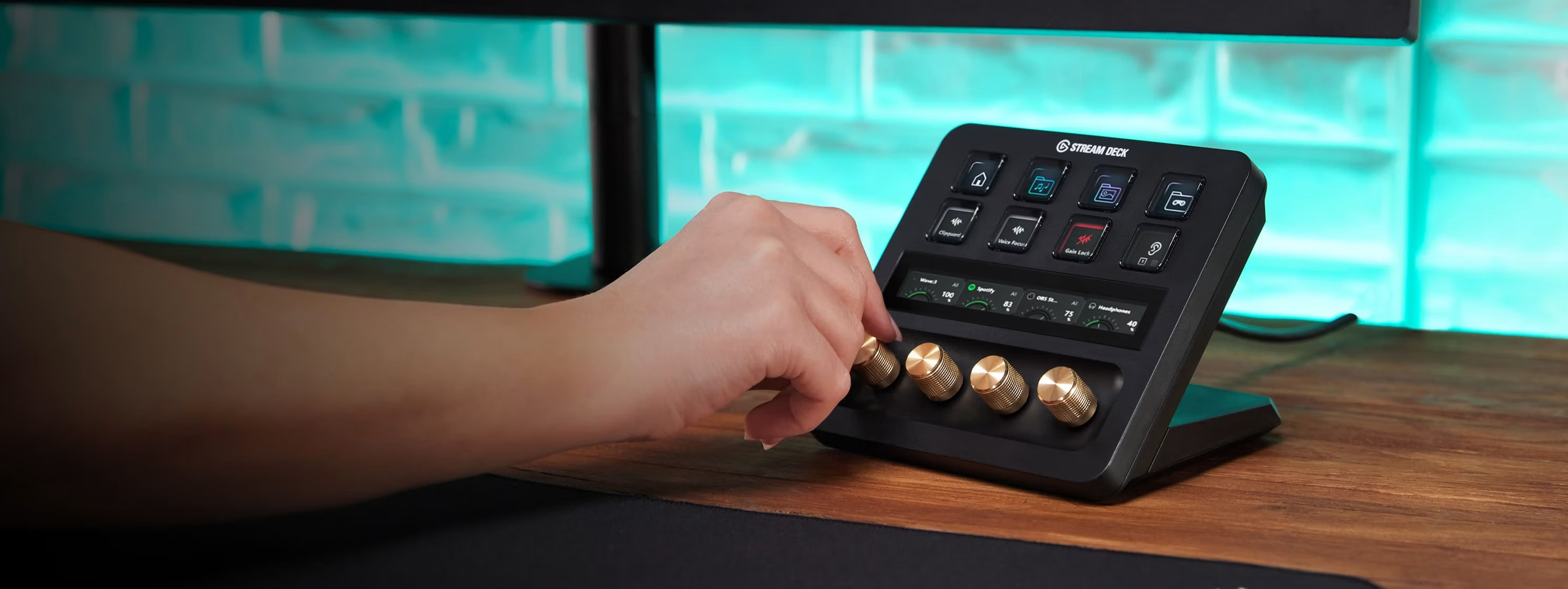
Rather than juggling multiple applications on screen, a physical device puts everything within reach. With a twist of a knob or the touch of a button, you can independently adjust your microphone level, your music volume, your speaker output, and the audio coming in from your participants.
No screen switching. No fumbling during a live moment. Just smooth, confident control over everything your audience hears.
It's not something everyone needs, but for people who run regular sessions and want a more polished experience, it can be a genuine game changer.
Software Can Help Too
There are also software applications that can help with background music and external audio mixing. The best setup depends on your device and whether you're using the Zoom app or the web browser version.
We've actually built a decision tree app to help you work out the right setup. If you'd like access, please get in contact and we'll show you the limitations, along with some useful how-to guides.
How We Can Help: Zoom Setup and Optimisation
There's no one-size-fits-all solution here. Every setup is tailored to your specific requirements, your workflow, and your goals.
It's a straightforward, personalised session where we take a proper look at how your setup is working right now and build a practical plan around what you actually need.
Here's what we can cover:
- A review of your current setup via screen share
- Identifying config changes and quick wins
- Improving your audio, video, and screen-sharing experience
- Background music integration and real-time audio control options
- Camera setup, including positioning, image quality, and whether an external webcam would make a genuine difference
- Lighting options to improve how you look on screen, including simple and budget-friendly approaches
- Backdrops and backgrounds, including branded options featuring your own logo
- Honest equipment recommendations, only where they genuinely make a difference and fit your budget
- A clear action plan with simple steps you can implement straight away
Whether you're a coach, trainer, consultant, or just someone who spends a lot of time on Zoom calls, a small number of changes can make a big difference to how professional you sound and look, and how smooth your sessions feel.
How It Works
Free 15-minute consultation
This is a relaxed, no-obligation call where we can understand what you're working with, what's not quite right, and whether we're the right people to help.
Flexible paid support
Any hands-on support beyond the initial call is chargeable, available in 15-minute increments. So if you only need an hour of focused help, that's all you pay for. No pressure to commit to more than you need.
Tailored packages
For more complex setups, ongoing support, or projects with several moving parts, we can put together a package based on what's actually involved. We'd agree the scope upfront, so there are no surprises.
Ready to get your Zoom setup working the way it should? Whether it's the audio, the screen sharing, the way you look on camera, or just a general feeling that something could be better, we'd love to help.
Book your free 15-minute consultation
Let's take a proper look at your setup and build a practical plan around what you actually need. No pressure, no jargon.
Custom Audio Production
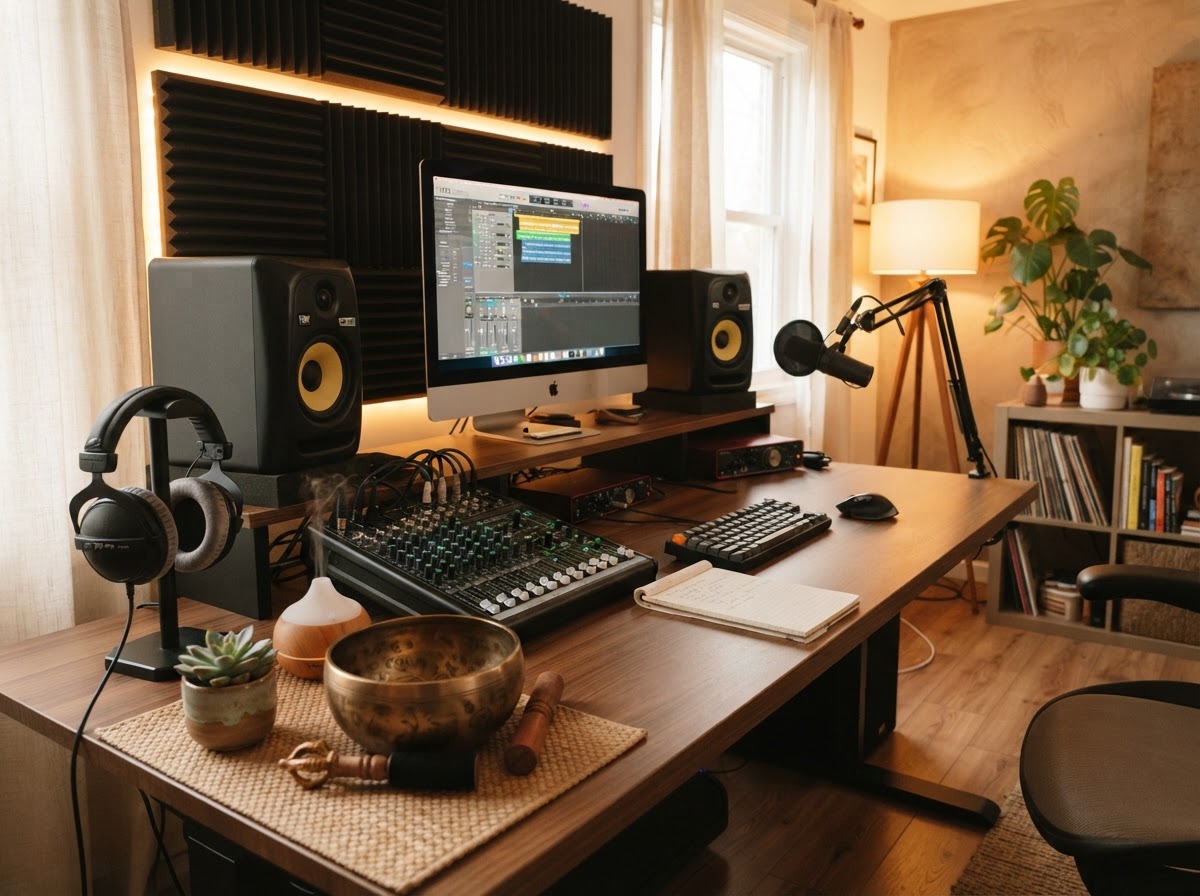
Need help with your Zoom delivery or setup? Want to learn how to route audio in the best way for your setup, or get advice on how to improve it? We can help here too, and we can also run test sessions with you so you can get used to your setup without any risk of things going wrong during a live client session.
In addition, we've been involved in the world of audio production for over 30 years. So if you need custom audio producing for breathwork, meditations, activations, afformations, or soundscapes for your sessions, we can help with that too. From the subtle background ambience that helps people settle, to fully produced guided audio tracks for your programmes, we'll create something that fits your style and supports the experience you're building.
Curious about custom audio for your sessions?
Get in touch and we'll talk through what you need and how we can bring it to life.
Get in touch